
Seedance 2.5 AI Video Generator
Give your next scene room to unfold
Create 4–30-second videos from a prompt, first/last frames or multimodal references. Choose 480p, 720p or 1080p, add generated audio, and check the credit cost before you begin.
Starter credits are subject to eligibility and expire. Advanced models use paid credits.
Official Seedance 2.5 demos by ByteDance. Your generated video will appear here.
What is Seedance 2.5?
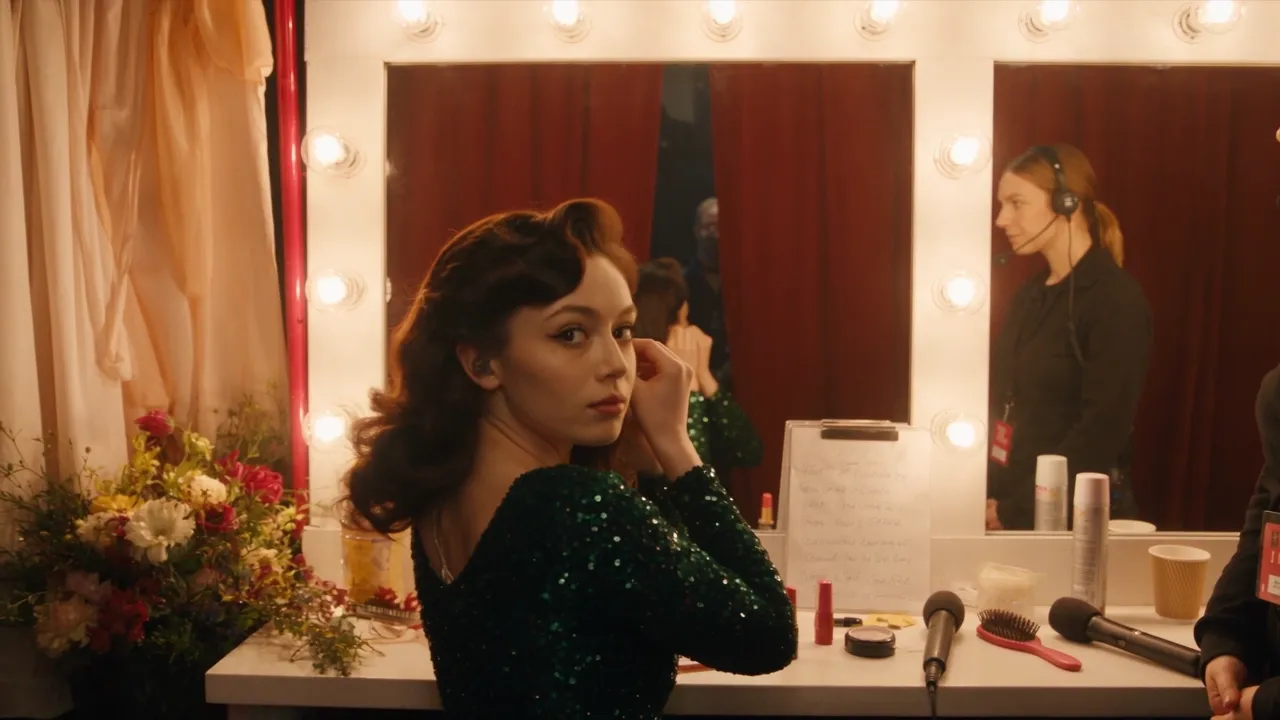
A ByteDance video model for scenes that need more time and reference control. Plan a beginning, an action and a finishing shot in one request. Watch the official opera example for camera movement and performance. Official Seedance 2.5 demo by ByteDance. View original source.
4–30-second clips
Set a fixed duration for a scene, reel or product story.
Text or first/last frames
Describe a scene or animate an image toward an optional ending frame.
Multimodal references
Guide a new clip with images, motion references and audio.
Optional generated audio
Turn generated sound on or off for your clip.
Build a Seedance 2.5 video around your idea
Tell a short story
Write the opening, movement and final frame. Use the longer duration for connected beats.
Show a product in motion
Supply product references and describe the surface, lighting and camera path.
Create reels and UGC-style concepts
Use 9:16 for a vertical idea. Specify the setting and action; review the result before publishing.
Make prompts specific
Try: A ceramic cup on a sunlit table. The camera slowly circles as steam rises. Soft room ambience, no dialogue.
On this site
Seedance 2.5 vs Seedance 2.0
Compare the options available in these two generators.
| Seedance 2.5 | Seedance 2.0 Standard | |
|---|---|---|
| Clip duration | 4–30s | 4–15s |
| Resolution | 480p / 720p / 1080p | 480p / 720p / 1080p |
| Reference images | 30 | 9 |
| Reference video / audio files | 10 / 10 | 3 / 3 |
| Generated audio | Optional | Optional |
| Credit cost | Shown before generation; reference-video seconds count too | Shown in the 2.0 generator |
How to use Seedance 2.5
From your idea to a downloadable MP4.
Choose your inputs
Write a prompt. Add references in Text to Video, or switch to Image to Video for first/last frames.
Set the clip and review credits
Choose duration, resolution, aspect ratio and audio. Review the total, including any reference-video input.
Generate and download
Submit with enough credits. Follow task progress and download the finished MP4 from the result or history.
Seedance 2.5 examples: an ensemble in one scene
Watch how the official concert demo brings performers, instruments and an audience into a shared scene. These are model demonstrations, not customer testimonials. Official Seedance 2.5 demo by ByteDance. View original source.
Backstage to the spotlight
The hero background is the official one-take stage performance example.
Performance and camera movement
The opera example above shows a moving camera following a performance.
Multiple subjects
This concert example demonstrates reference-guided composition. Your result will depend on your own inputs.
Seedance 2.5 — Frequently Asked Questions
Explore other video models
Compare video models or explore credit plans.
Create your next scene with Seedance 2.5
Bring a prompt or your own references. Set the duration and see the credits before generating.