
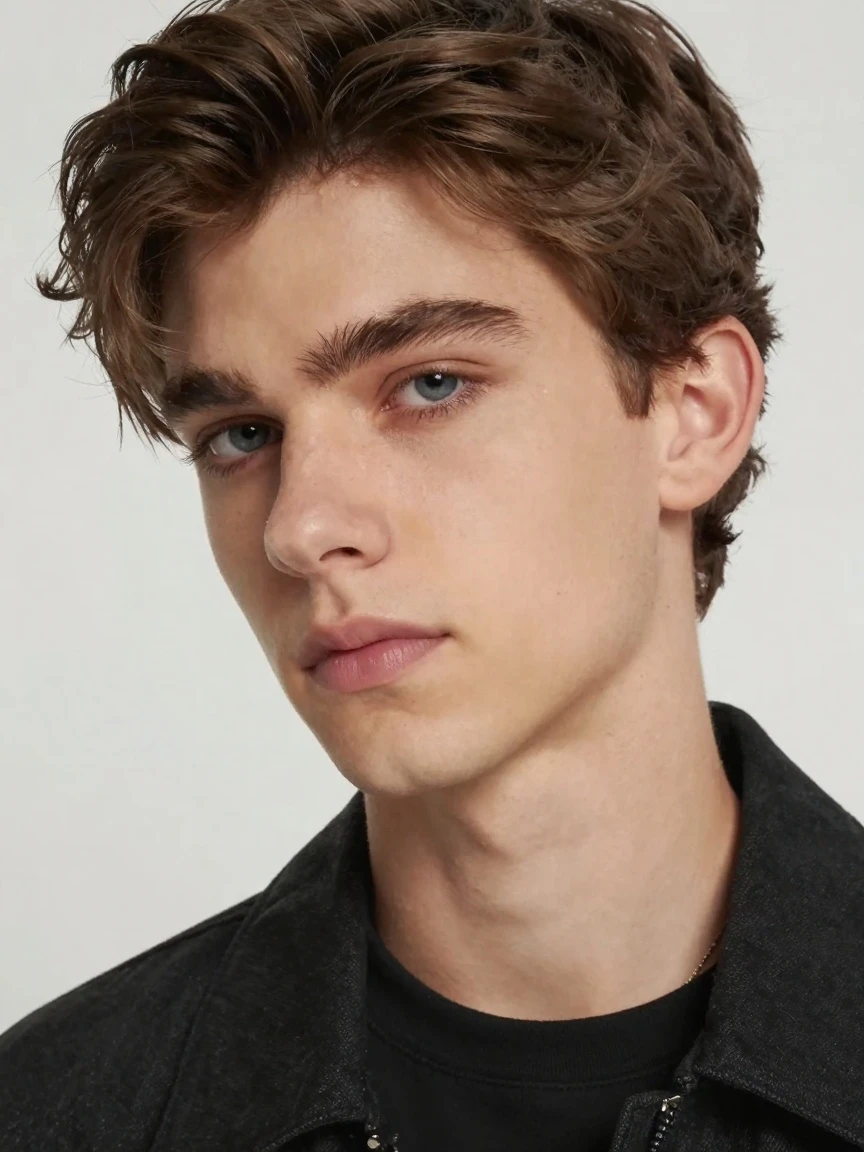
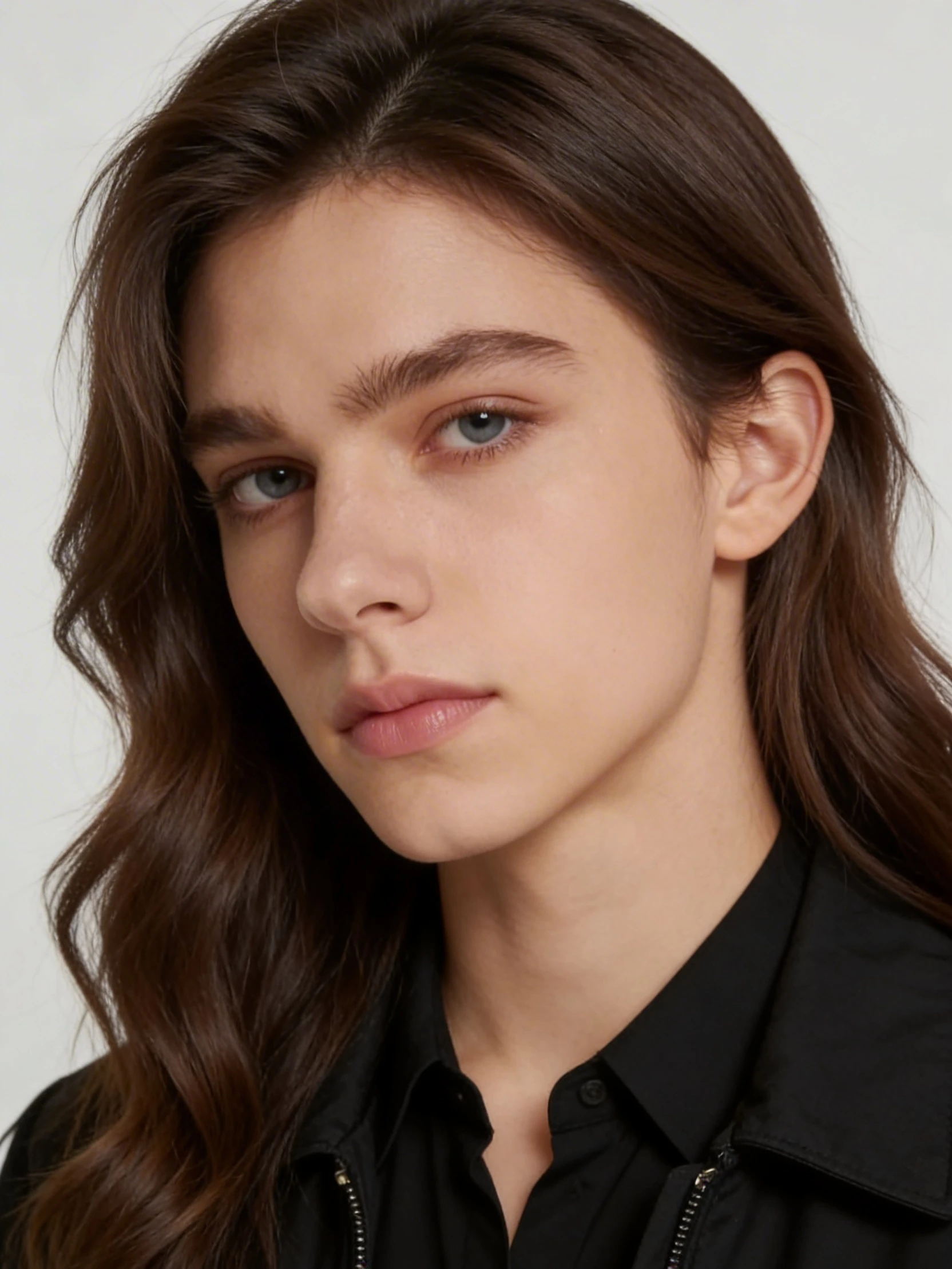
Official photo example
Compare the original portrait with the model’s published result.
Source: WaveSpeedOne portrait · Photo first · Video when ready
Explore a different look from one portrait. Use the genderswap filter to create an alternative appearance, review the photo, then turn the original and your chosen preview into an AI gender transformation video.
Start with a clear photo of yourself or someone who has given you permission. The new appearance is generated automatically; no prompt or direction setting is needed.
01 / Photo
Use a clear photo of one person facing the camera. The filter chooses the transformed look automatically; clothing and details may change.
Photo preview: 4 credits
Your photo is sent to our AI providers to create the result. Share stored image links only with people you trust.
02 / Preview & animate
Your preview will appear here
Generate a photo first. Review the new look, then decide whether to turn it into a short transformation video.
4 seconds · 720p · No audio · 8 more credits
Generate a photo preview first to unlock this step.
Photo: 4 credits · Optional video: 8 credits · 4 seconds, 720p, no audio
External effect references. Your result will vary with your photo.
Compare the original portrait with the model’s published result.
Source: WaveSpeedA six-second reference showing facial features and hair changing while the portrait stays in frame.
Source: LogoAIA short reference showing the appearance change during a simple hand gesture.
Source: LumeFlowAn eight-second studio reference: short hair becomes long hair as the person in a white T-shirt smiles.
Source: PixoA portrait in a brown coat changes appearance at a doorway, then turns its head.
Source: MorphicA dimly lit head-and-shoulders portrait shifts from long hair to short hair and a beard.
Source: MorphicFacial features and hair change in a sunset portrait with a beige shirt.
Source: MorphicA genderswap filter reimagines the appearance in a portrait. It may change facial contours, hairstyle, makeup, or facial hair while taking your uploaded photo as its reference. The result is a creative interpretation of a different gender presentation, rather than a precise prediction of how you would look in real life.
This gender swap filter online creates a still image first. You can inspect it, download it, or use it as the ending reference for a video. It does not determine anyone’s gender, and it cannot guarantee that every facial feature, outfit, or background detail will remain unchanged.
The genderswap filter makes an automatic visual transformation. It has no manual male-to-female, female-to-male, or intensity control, so judge the actual preview before deciding whether it fits your idea.
If your preview produces the feminine look you wanted, use it to make a male to female AI video or a short character reveal. Check the eyes, hairline, expression, and clothing first. You can keep the portrait without spending credits on motion.
An automatic result may reinterpret the portrait with a masculine appearance. Treat it as a whole new variation, not a dedicated beard or haircut editor. For a character concept, compare the still result with your original before creating the animated reveal.
Photo and video generation are separate steps in AI Animate Image. Creating a preview never starts a video automatically.
Choose a JPG, PNG, or WebP image up to 5 MB with one clearly visible person. Even lighting, a simple background, and a front-facing or gently angled face are good starting points.
Sign in, review the displayed photo cost, and generate your preview. Compare the facial details and composition with the original. Download the photo if that is all you need.
Choose the completed preview and check the separate video cost. Your original guides the opening frame and the preview guides the ending. Play the finished clip, then download it.
A photo lets you inspect the target look. A video adds the transition. This AI gender swap video generator uses both images to guide a four-second, 720p clip without generated audio. You can add your own soundtrack later in an editor.
The motion between those images is generated by AI. Hair, hands, facial features, or the background may shift, even when the ending portrait looks convincing. A clear reference helps guide the transformation but does not guarantee a seamless morph or exact identity preservation.
| Your goal | Where to start |
|---|---|
| An avatar or an alternative portrait | Download the photo preview |
| A short before-and-after reveal | Animate a completed preview |
| Several possible character looks | Review separate photo generations first |
| Motion with the original appearance | Try the general photo animator |
Eligible promotional credits can cover this workflow when your account has enough available credits. Offers and eligibility vary. Sign-in is required, and a free-credit balance does not mean unlimited generation.
The photo costs 4 credits. Making a video from that photo costs another 8 credits. You decide whether to continue after reviewing the image; each button shows the cost before you generate.
If a generation fails, the credits for that failed stage are returned. A successfully completed photo remains a separate completed task if its video fails. Video watermark and clean-download access follow your account’s purchase status.
View pricing and credit optionsAn AI filter can change the appearance in a generated portrait. It does not identify or change a person’s gender. This tool produces an automatic visual interpretation for you to review.
You can use eligible promotional credits if your available balance covers the displayed cost. Current offers and account eligibility apply. Photo and video generation are charged separately.
There is no manual direction or strength control in this genderswap filter. The photo is transformed automatically. Review the result before deciding to generate a video from it.
Start with one clearly visible person, even light, and a simple background. Use a front-facing or gently angled portrait in JPG, PNG, or WebP format, no larger than 5 MB.
Results depend on the source image and the AI interpretation. Inspect the still preview for unwanted changes, then watch the entire video for distortion or abrupt movement. No result is guaranteed to be photorealistic.
Download your generated file and import it into your post or editing project. This browser tool does not install a live gender swap filter inside those apps.
No. This workflow starts from a still portrait and creates a new clip. It does not accept an existing video for body replacement or offer precise control over body shape.
Yes. Download the completed photo and stop there. Video generation only starts when you choose to animate that result and confirm its separate displayed cost.
Your image is uploaded and sent to the generation provider for processing. Processing does not happen only on your device. See the privacy policy for the applicable data handling terms.
Use the genderswap filter to explore another look, inspect the photo, and create a short transformation video when you are ready.
Create my photo preview